



Duplicating a Campaign
Duplicating a campaign can be useful for reusing a template on an ad-hoc basis. If there is an ongoing need to be reusing a template, consider adding a blank template into the template library.
From the dashboard, click Campaigns. Under each campaign will be a Duplicate hyperlink. Click on this to begin the duplication process.

After renaming the campaign, you will be brought through a process identical to creating a campaign.
Managing Campaign Folders
Campaign Manager allows users to organize their campaigns into folders. The use of these folders can range from the name of the creator to the type of campaign.
To create a campaign folder, click Campaigns from the dashboard, then Manage Folders from the left menu. From this page the user can create a folder, or rename or delete an existing folder.
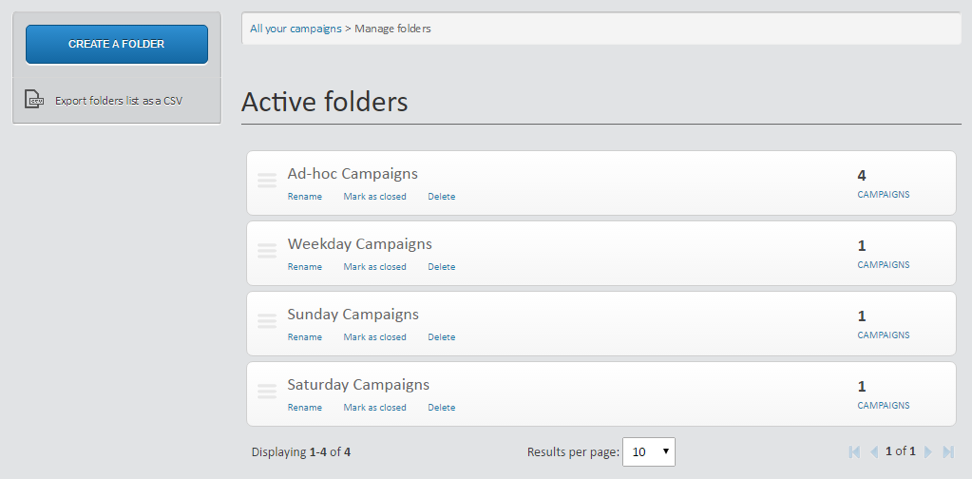
Closing Campaign Folders
Closing a campaign folder is an effective way to archive multiple related campaigns at once. This may be useful if, for example, a company is running a 2-week promotion. After the 2-weeks are complete the company may want to still have access to the campaigns within having to see them within the Campaign view. Folders marked as closed may always be reopened at the user’s discretion.